








Generator
History
AI Floor Plan Generator
Change Tool
Model
Base
Switch
Reference floor plan
Upload
BedRoom
-
2
+
BathRoom
-
1
+
Gross Area
Unit metric
 imperial
metric imperialArea
< 50㎡
50-80㎡
80-100㎡
100-120㎡
120-150㎡
> 150㎡
Extras
Looking for any specific?
e.g. Modern style living room with bright colors, soft lighting and minimalist design.
 Count
Count
Generate a Simple Floor Plan Instantly with AI
Transform your design ideas into a clear, presentation-ready simple floor plan in seconds. Ideal House's AI Floor Plan Generator empowers homeowners, designers, and real estate professionals to visualize house layout concepts with unparalleled speed and precision. Define your needs, click generate, and watch your dream space take shape.
Generate My Floor Plan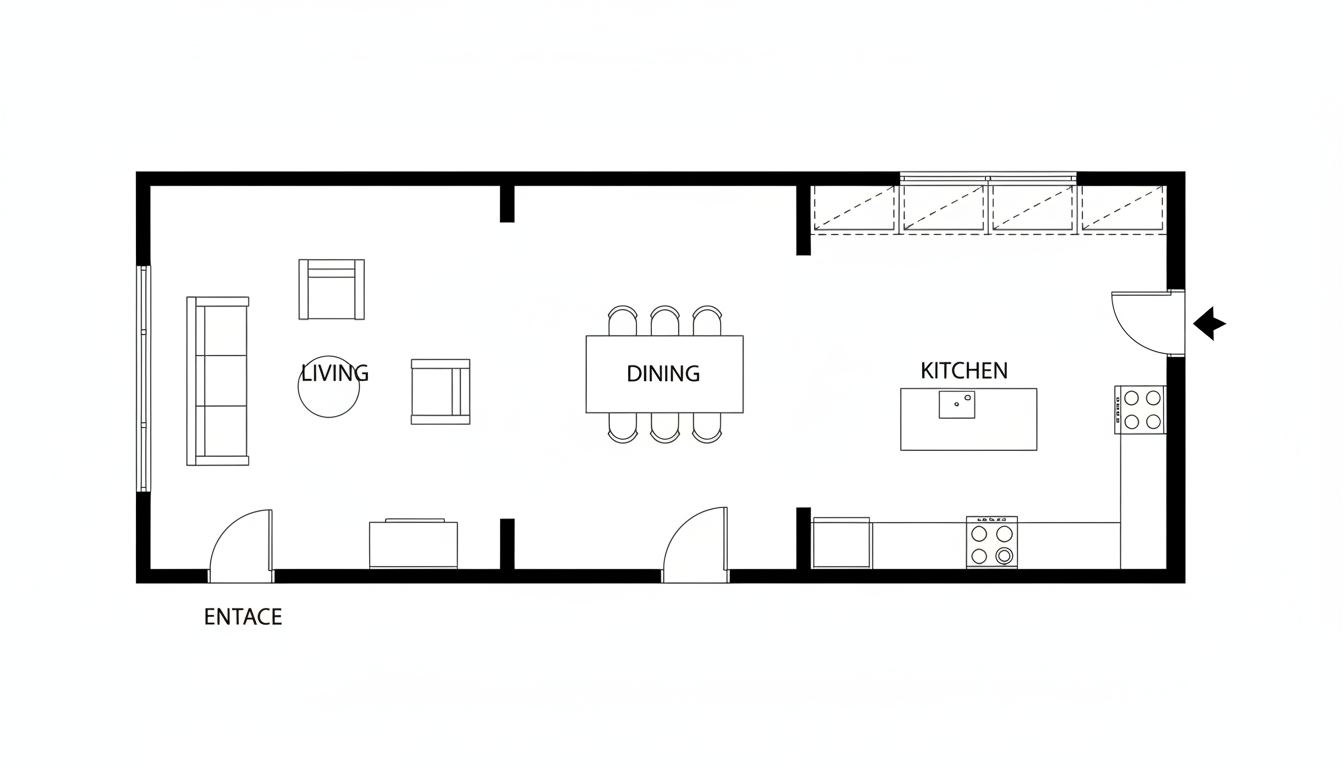


Why Choose Ideal House for Your Floor Plan Needs?
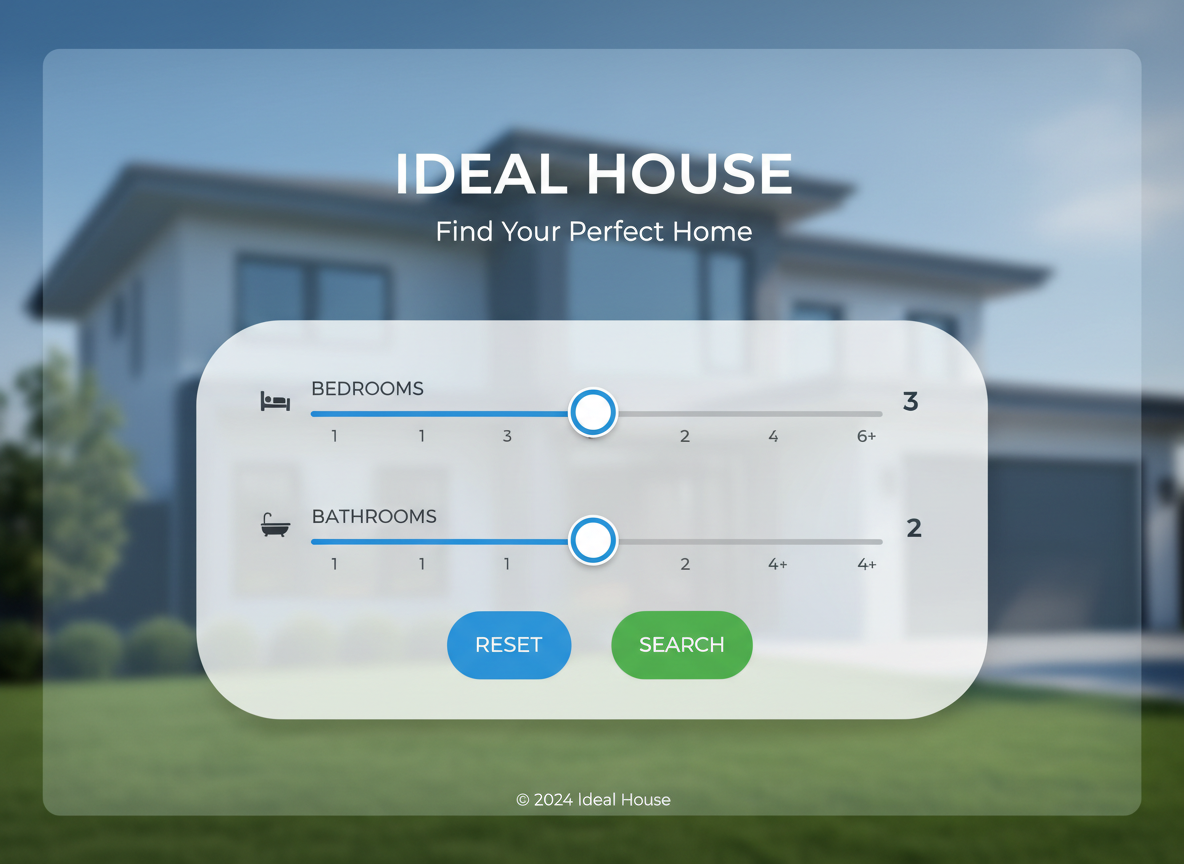
Effortless Design with Parameter-Driven Planning
Say goodbye to complex architectural software. Our AI floor plan maker simplifies the entire design process. Just input your desired number of bedrooms (0–4), bathrooms (1–3), choose an open or closed kitchen, and specify a gross area range. The AI intelligently crafts a basic floor plan that meets your specifications, making it incredibly easy to create a simple floor plan.
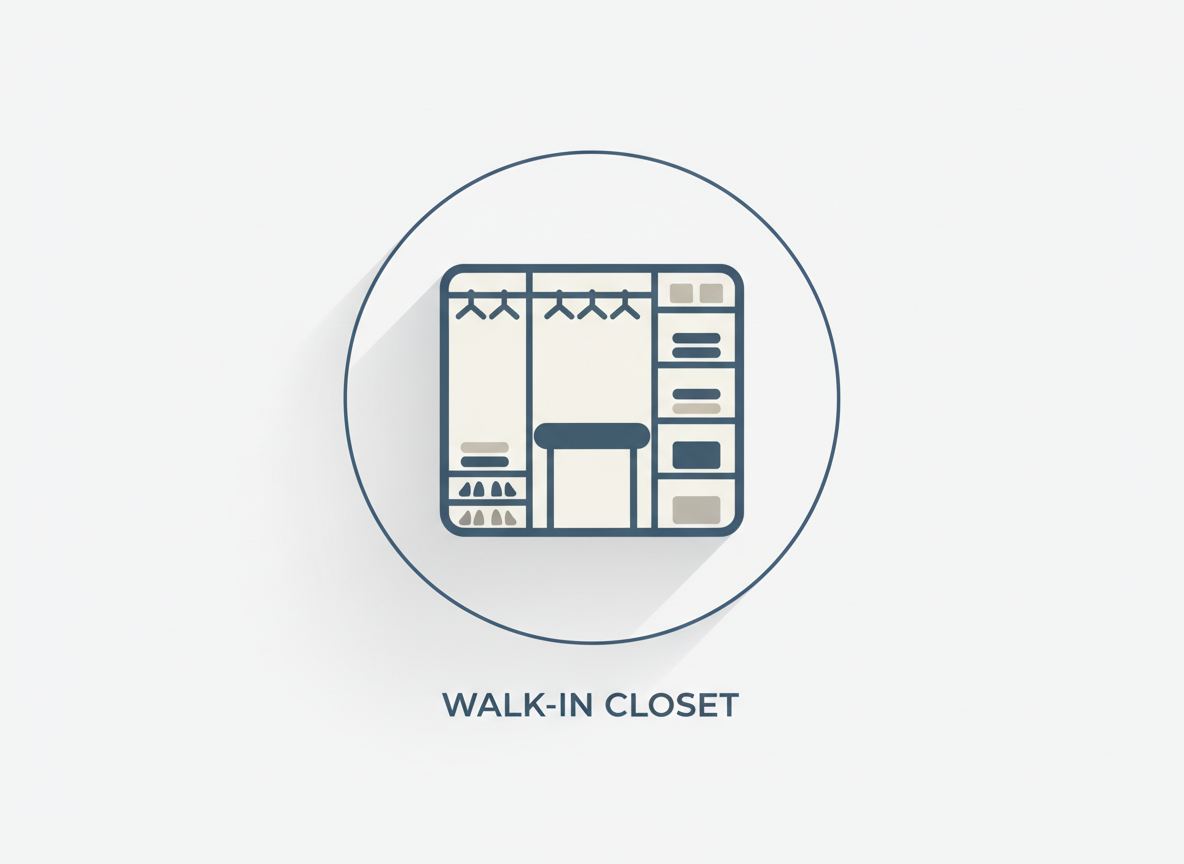
Custom Floor Plan with Smart Extras
Go beyond the basics. Our generator allows you to add specific extras like a walk-in closet, laundry room, home office, garage, pantry, combined living-dining area, or a balcony. These choices guide the AI to optimize room relationships and zoning, ensuring your custom floor plan reflects your precise lifestyle needs. Visualize a residential floor plan that feels truly yours.
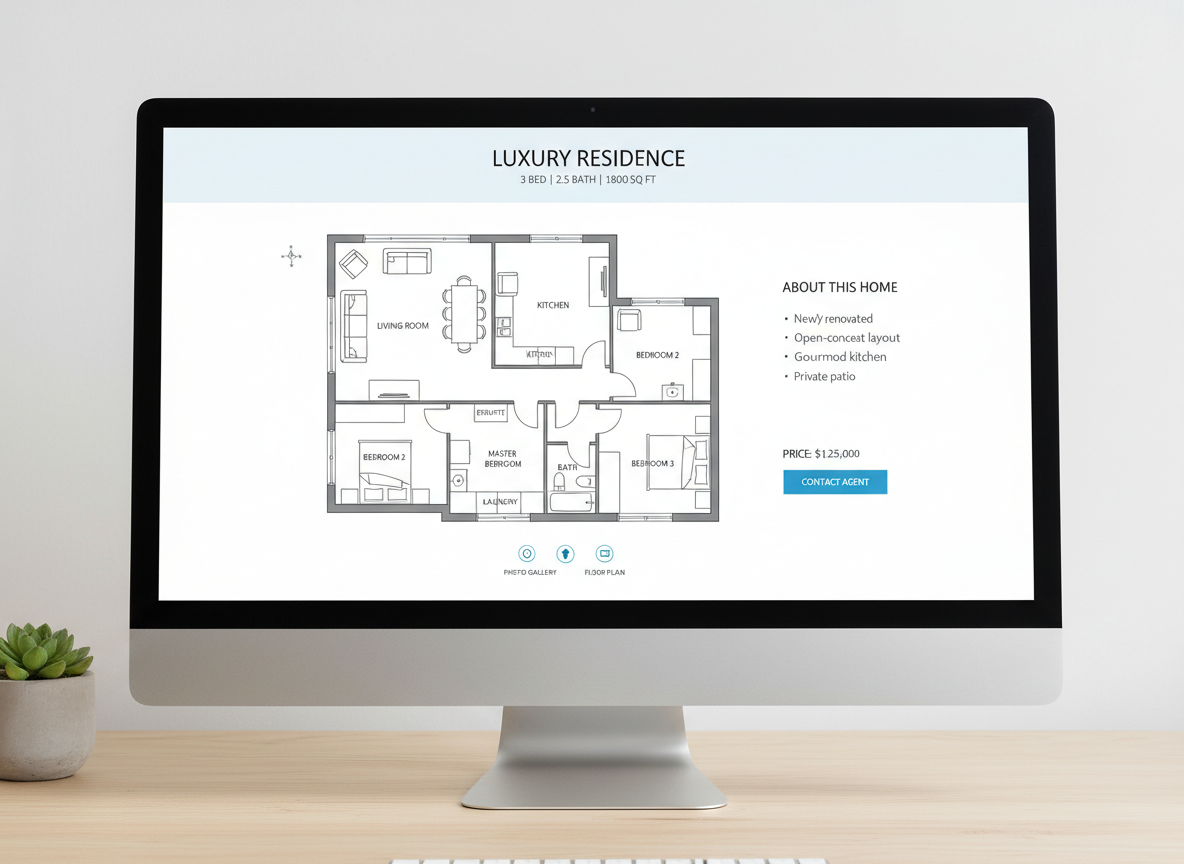
Speed and Accuracy for Real Estate Listings
For real estate agents and brokers, time is money. Quickly generate consistent, high-quality 2D floor plans for all your property listings. Impress potential buyers with clear house layout visuals that help them understand the flow and potential of a space. Our tool ensures you can create a simple floor plan that enhances every listing.
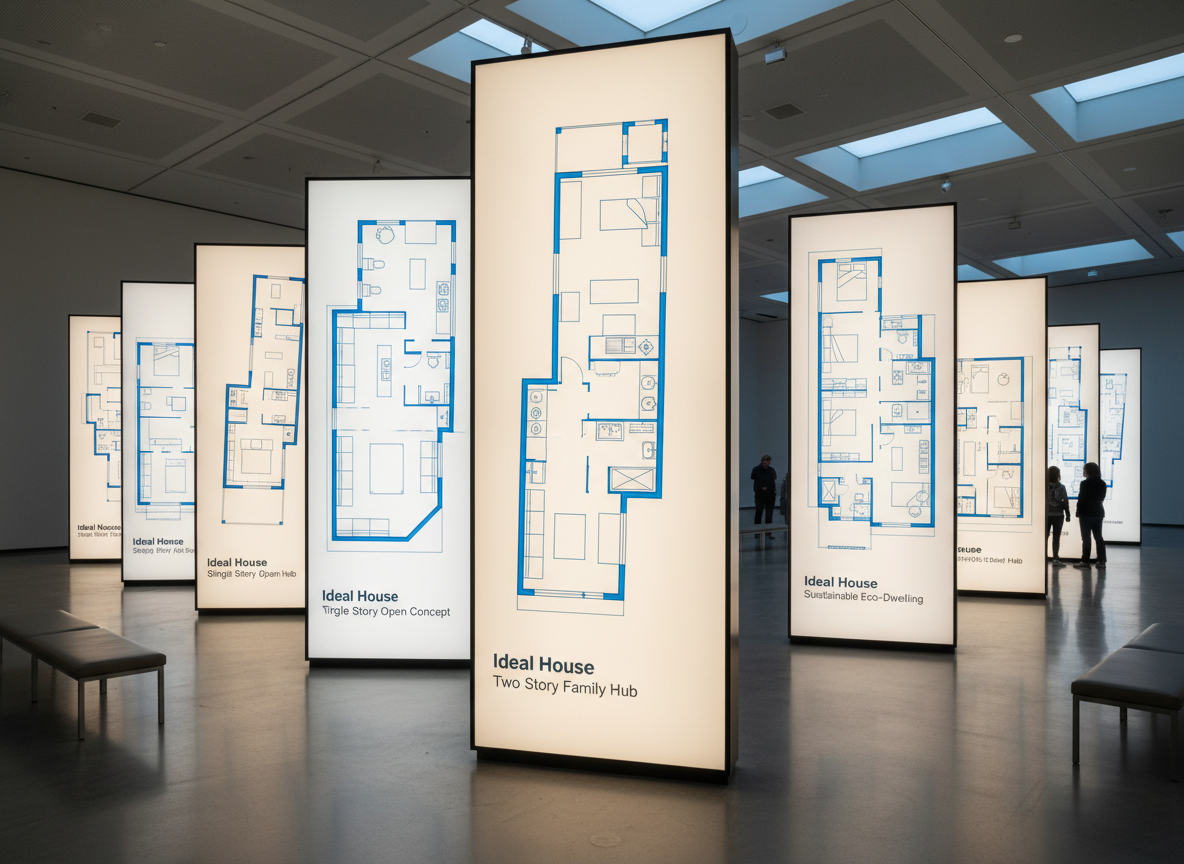
Iterate and Refine with Generation History
Every design concept you generate is automatically saved in your Generation History. Easily compare different apartment layouts, room designs, or small house plans side-by-side. This feature is perfect for iterative design, allowing you to tweak your selections and regenerate until you achieve the perfect simple floor plan for your project.

Who Benefits from Our AI Floor Plan Generator?

Homeowners & DIY Planners: Experiment with different bedroom/bathroom counts, kitchen styles (open vs. closed), and features like a walk-in closet to visualize your ideal home blueprints.

Interior Designers & Decorators: Rapidly create apartment floor plan concepts for clients, iterating live by toggling extras and gross area bands. Ideal for quick room design.

Real Estate & Rental Professionals: Generate simple, consistent 2D real estate floor plans for listings, providing instant clarity on layout and flow to potential buyers and renters.

Contractors & Consultants: Translate verbal project requirements into clear 2D floor plan visuals, aligning scope and accelerating decision-making for any building layout.

Your Simple Steps to a Perfect Floor Plan
1
Set Rooms: Easily choose the desired number of bedrooms (0–4) and bathrooms (1–3) to begin defining your space.
2
Choose Kitchen Style: Decide between an open or closed kitchen concept, influencing the overall flow of your home.
3
Pick Gross Area: Select a gross area range that best matches your target size, guiding the AI to create proportional room designs.
4
Add Extras: Multi-select features like a walk-in closet, laundry room, home office, garage, or balcony to tailor your custom floor plan.
5
Generate & Review: Click 'Generate' to instantly create your simple floor plan. Review the results in the preview panel and your Generation History, then tweak and regenerate as needed.
6
Download & Share: Export your chosen property floor plan as an image or PDF to seamlessly share with clients, colleagues, or on your listing pages.
Frequently Asked Questions About Our AI Floor Plan Generator
How does the AI turn my selections into a simple floor plan?
Our AI floor plan generator interprets your inputs—beds, baths, kitchen type, gross area, and extras—and applies established architectural design principles and common adjacency rules to draft a clear 2D floor plan. Each generation offers a fresh concept, allowing you to refine your vision.
What are the available ranges and default settings?
You can select 0–4 bedrooms (default 2), 1–3 bathrooms (default 1), and toggle between an open or closed kitchen (default open). Gross Area offers several bands to guide overall scale, and extras are multi-selectable to customize your home blueprints.
What influence does 'Gross Area' have on the final floor plan?
The gross area band is crucial for guiding the overall scale and proportions of your apartment layout. Selecting the closest band ensures that rooms and corridors feel appropriately sized for the intended footprint, leading to a more believable and functional design.
How does the open vs. closed kitchen option change the layout?
An open kitchen design typically promotes a continuous living–dining sightline, fostering a more expansive feel and smoother flow between communal areas. A closed kitchen, conversely, creates a more defined, separate cooking zone, offering privacy and containing culinary activities.
What do the 'Extras' achieve in the floor plan creation?
The 'Extras' function allows you to tell our AI floor plan maker which specific spaces to prioritize and how they should relate to other areas. For example, a walk-in closet will be placed near a primary bedroom, a pantry adjacent to the kitchen, or a home office in a quieter, more secluded corner, optimizing your overall room design.
Can I compare multiple versions of my floor plan?
Absolutely! Every generation is automatically saved in your 'Generation History'. You can use the 'Created with AI Floorplan' filter and switch between grid or list views to easily review and compare multiple drafts side-by-side, helping you pick the perfect simple floor plan.
How fast is the generation process, and how are credits used?
Most floor plan generations are completed in just a few seconds, providing you with rapid visual feedback. Each click of the 'Generate' button consumes the specified credits shown, and all created results are stored for your convenience, making it a highly efficient layout planner.
Is the AI Floor Plan Generator compatible with tablets?
Yes, our AI Floor Plan Generator is fully optimized for browser-based use and provides an excellent user experience on both desktop computers and iPads. Your chosen settings persist until you modify them, ensuring a seamless and efficient workflow wherever you are, perfect for developing architectural drawing concepts on the go.
Elevate Your Designs with Our Complementary Tools
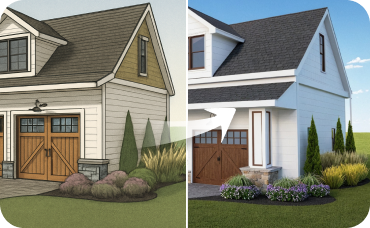
AI 3D Rendering
Turn your favorite 2D design into an immersive 3D model and get a true feel for the space.
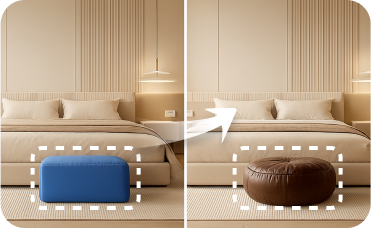
Smart Replacer
Instantly swap specific objects in your photo, like changing the flooring, repainting walls, or adding new windows.
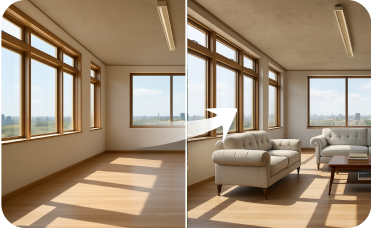
Virtual Staging
Go beyond furniture and stage entire empty rooms from scratch with any style you can imagine.
Ready to Design Your Space?
Map your dream space in minutes with a clear 2D floor plan—simple, fast, and share-ready with our AI Floor Plan Generator. Experience the future of home design.
Generate My Floor Plan
Ideal.House is more than a platform—it's your all-in-one home design ecosystem. Dive into powerful AI tools such as Interior Remodel, Exterior Renovator, and Landscaping to craft stunning spaces, and let HouseGPT guide you with tailored suggestions for planning, styling, and furnishing. Connect with a passionate community to swap ideas and advice, then take your designs from concept to completion with handpicked products matched to your taste.
At Ideal.House, we've built a space where technology, creativity, and collaboration come together to redefine home design.
At Ideal.House, we've built a space where technology, creativity, and collaboration come together to redefine home design.
Technical support [email protected]



💰 Earn 10% commission as a Ideal House Affiliate Partner.
Join us